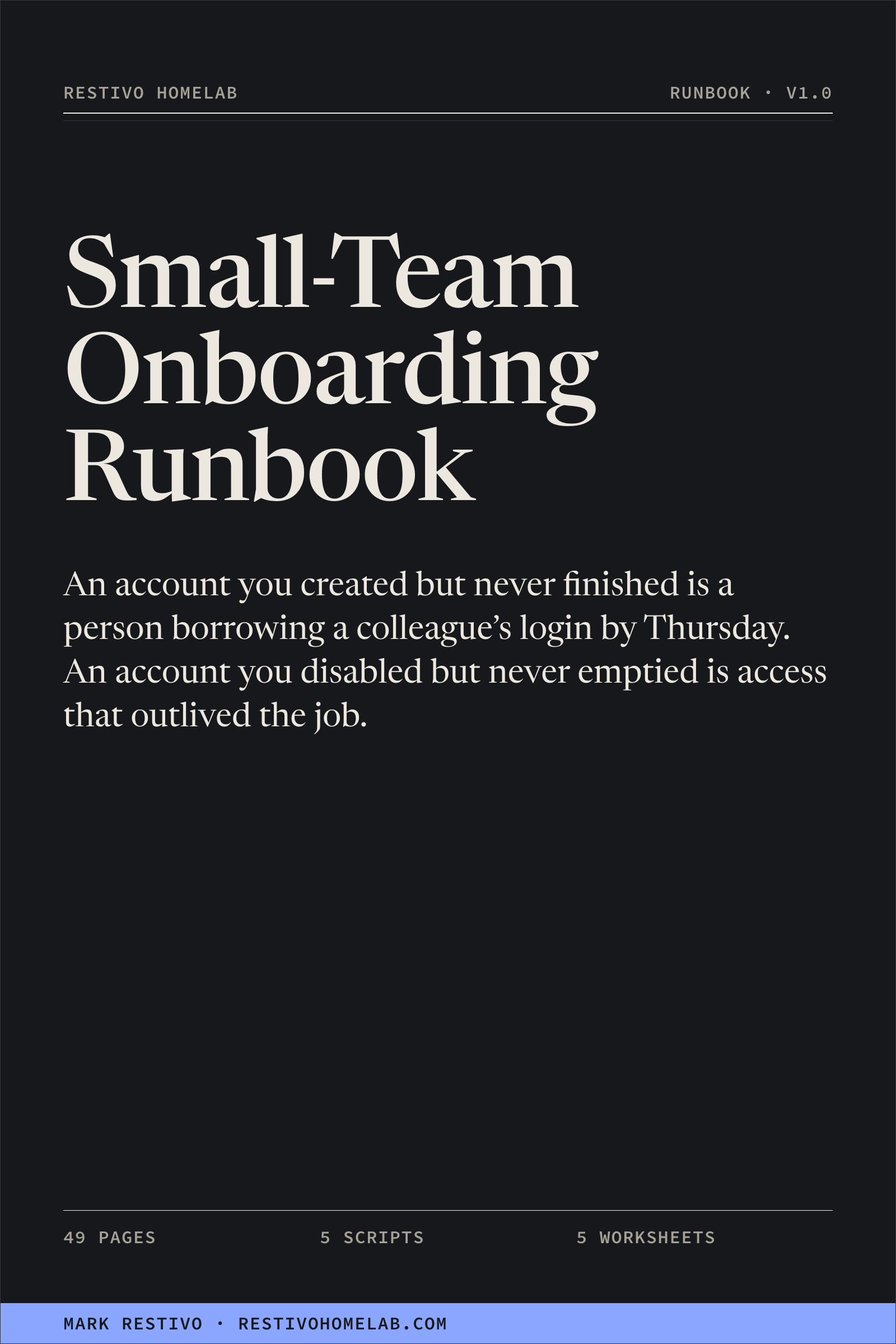
Small-Team Onboarding/Offboarding Runbook
An account you created but never finished is a person borrowing a colleague's login
by Thursday. An account you disabled but never emptied is access that outlived the job.
$79 one-time purchase
Secure checkout through Stripe. Download after payment.
Version 1.0, a 49-page runbook, five PowerShell scripts and five worksheets,
updated September 2026.
Free updates forever. 30-day 100% refund, no questions.
No subscription, no account, no DRM.
Onboarding and offboarding are the two moments where a small team's access control is actually
decided, and both are usually performed from memory, under time pressure, by the one person who
knows how. Nine times a year is the worst possible frequency: often enough to feel familiar, rare
enough that you have forgotten the two steps that only matter later.
So the new hire finds the gap on day two and solves it themselves by day three, with a
colleague's credentials. The leaver's sign-in gets disabled and their refresh tokens keep working,
along with the shared mailbox delegation that lives in Exchange and not in the directory. Then,
months later, somebody asks who had access to the finance folder in March and who approved it, and
the answer is inside the system that also lost the person.
After this you will be able to…
- Provision a new person from a form, not a conversation. An intake form that
ends the "just copy whoever sits nearest" habit, and a job-function catalogue that is your
entitlement model in one file you keep in version control.
- Grant access in a way you can take back in one step. Everything by group
membership, licences by group-based licensing, nothing granted to a person by name — because a
direct grant is a permission your offboarding will not find.
- Offboard in the right order, every time. Containment first — disable
sign-in, then revoke sessions and refresh tokens, because the first without the second leaves
working sessions — then the mailbox, forwarding, OneDrive, groups, licence and everything
outside Microsoft 365 that no tool does for you.
- Answer the audit question six months later. What this person had, who
approved it, when it changed and who changed it, from a record that lives outside the system
it describes.
- Run the whole thing as one person. A chapter on compensating for no
separation of duties, no colleague to check your work, and no time — including what to
automate first and what to keep a human on.
What's in the download
- The runbook — 49 pages, PDF and Markdown. Fifteen chapters: why this is a
runbook and not a memory; the intake form; creating the identity; licences and groups;
authentication and the Conditional Access baseline; mailbox, shared mailboxes, Teams and
SharePoint; devices at a high level; day one and the handover; the 30-day check; offboarding
in order with the reason for the order; the audit trail; doing this with one to three people;
a script reference; troubleshooting; a verified link appendix and a glossary.
New-TeamMember.ps1 — creates accounts from a CSV or JSON intake
file. Validates every record before it writes anything, so a bad row halfway down cannot leave
you with half a batch. Refuses a job function that is not in the catalogue.Set-Day1Access.ps1 — reconciles one account against its
entitlement. Adds freely, removes only with -RemoveExtra.Invoke-Offboarding.ps1 — snapshot first, then disable sign-in,
revoke sessions and tokens, and remove every group. -WhatIf, a typed confirmation
of the UPN, a JSONL evidence record per step, and a printed list of what it deliberately
leaves to you.Get-AccessAuditTrail.ps1 — read-only. Everything one person
had, when it changed, who changed it, and when they last signed in. Text or JSON.Test-OnboardingBaseline.ps1 — read-only. Eight checks, prints
only the exceptions, exits 1 when there are findings so it works as a scheduled check.- Five worksheets — intake form, day-1 checklist, 30-day review, offboarding
checklist, access audit log. Plain Markdown with
- [ ] checkboxes.
- Catalogue and intake examples — a JSON entitlement model and a CSV intake
file, ready to edit.
One zip. No app, no account, no DRM, nothing that stops working if this site does.
Who this is for
- One-to-three-person IT teams with no identity governance product, no HR
system wired to the directory, and no colleague to check the work.
- MSP technicians running the same two procedures across several small
tenants, who would rather run them the same way each time.
- The person who ended up owning identity at a small firm because they were
the one who could.
It is not for you if you already run joiner-mover-leaver automation from an HR system.
This is the discipline you use before you can afford that — and a lot of what you would configure
into it anyway.
FAQ
Do you do refunds?
Yes — 30 days, 100%, no questions asked. Email me and I'll refund it. You keep the files. I'd
rather you not be annoyed than hold $79.
Do I pay again for updates?
No. Free updates forever. Use your purchase download link for the current version. Update emails are not currently available.
What formats do I get?
One zip: the runbook as a 49-page PDF and as Markdown, five .ps1 scripts, five
Markdown worksheets, a JSON catalogue example and a CSV intake example. Everything is plain text or
a standard document format.
Have the scripts been run against a real tenant?
No, and the pack says so on its own front page. They are structurally verified at build time —
every bracket balances, every script carries comment-based help, a #Requires line,
parameter validation, -WhatIf, a documented least-privilege scope list and no
credential parameters, and the offboarding script's typed confirmation is checked. What they have
not had is a live tenant. Run them with -WhatIf first, in a test tenant if you have
one. Find a defect and mail me; the fix ships to everyone as a free update.
Will Invoke-Offboarding.ps1 do something I can't undo?
It disables sign-in, revokes sessions and removes group memberships — all reversible — and it
writes a full snapshot of the account before it changes anything, so you can put it back.
It never deletes an account, converts a mailbox or wipes a device. -WhatIf prints every
action and touches nothing, and it will not proceed until you type the UPN back.
Is this from your day job?
No. It is written clean-room from Microsoft's public documentation and general practice, on my
own hardware, outside anyone's working hours. It contains nothing from any employer's systems,
code, documentation or data, and every example in it is invented — the tenant is
contoso.com and the people are Microsoft's own example users. The build refuses to
package the product if that is ever violated.
Does it cover hybrid, on-premises AD tenants?
Partly, and honestly. Where identities are mastered on-premises the account is created in AD and
synced, so the create step moves and the rest still applies. It is not an Active Directory book.
Was AI used to write this?
I used AI as an editor to tighten the prose and to draft against a structure I specified. The
procedures, the order, the reasoning and the scripts are mine.
Are there reviews?
Not yet. I'd rather show none than invent them. The first buyers get asked for a one-line
review, and those go here when they exist.
Buy the runbook
Not ready to buy? Take the 96-item Homelab Ops Checklist, which costs
nothing. No signup required.
Made by a working sysadmin who runs this lab. About Mark Restivo.